Session Replay: What Did the Clip Miss?
A visitor reaches your sign-up page, clicks the main button, and leaves without finishing. The usual numbers can tell you that the visit ended. They cannot show whether the visitor missed the button, encountered a form that did not respond, or simply decided against signing up. Session replay is useful at this point because it lets you examine the sequence of captured interactions on the page. It is much less useful if you treat that sequence as a recording of the visitor’s thoughts.
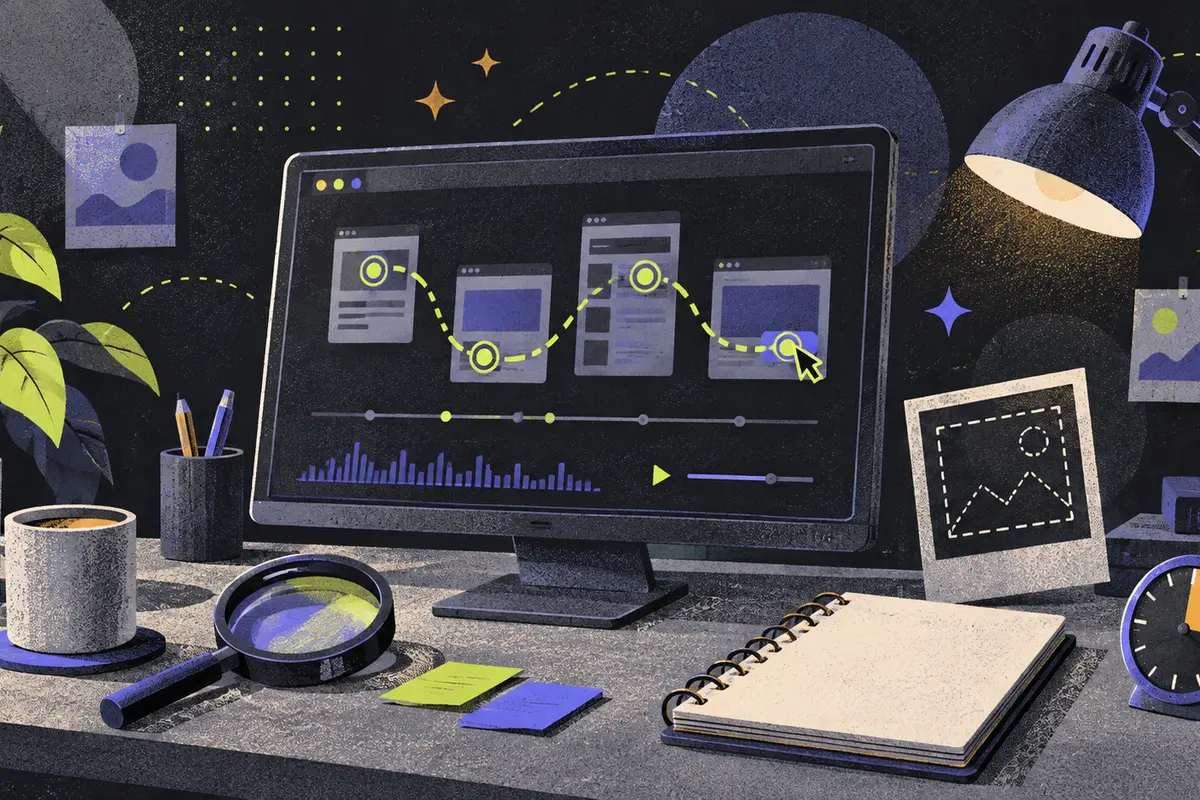
My approach is to use replay to locate a specific moment worth checking, then make a decision based on what the recording actually shows. If a button repeatedly appears to do nothing after a click, I would investigate that interaction promptly. If a visitor scrolls past a paragraph and leaves, I would resist rewriting the paragraph on the strength of that clip. The difference matters: the first observation identifies a possible failure at an identifiable control; the second leaves the reason for departure open.
A replay shows captured actions, not the whole visit
Session replay reconstructs a website visit from browser data the site captured. Microsoft Clarity describes recordings of page rendering and interactions such as clicks, scrolling, and navigation. That makes replay a way to see the order and context of those captured actions, rather than a video of a person’s screen or a record of what the person intended. Clarity’s explanation of captured interactions is a useful starting point for this distinction.
The order is often the valuable part. A click on a form button has a different meaning when the visitor then reaches a confirmation page than when the visitor clicks again and remains on the form. Scrolling down a product page before leaving differs from leaving immediately after the page loads. A replay can show those visible sequences, provided the relevant page and interactions were captured. It still cannot tell you whether the visitor understood the offer, found a competing offer, was interrupted, or chose to come back later.
That limit should shape the language used in a review. “The visitor clicked Submit twice and stayed on the form” is an observation. “The form confused the visitor” is an interpretation that needs another check. Even a clip that looks persuasive can omit a decisive detail. If an input’s contents have been suppressed, you may see the person return to a field without seeing what they entered. If a page or event was never captured, the visible sequence can end before the part you need to understand.
The sensible reason to open replay is therefore a concrete question about a journey: What happened between opening this page and leaving it? Where did the interaction stop? What happened after this control was clicked? Replay is a poor tool for a question it cannot observe, such as why a particular person changed their mind. Starting with an observable question prevents a vivid clip from becoming an invented explanation.
Choose the sessions that match the problem
A long list of recordings invites aimless viewing. Instead, identify the journey first: the page where it begins, the action you expected, and the point where the path seems to fail. For an illustrative sign-up flow, that might mean visits that reached the sign-up form but did not reach the completion action during a stated review window. The exact condition should be written down before anyone watches, because changing it after seeing an interesting clip can make the review appear more decisive than it is.
Clarity’s session list lets a reviewer select recordings, while its filters can narrow the set by page, event, or visitor attributes. A page filter can focus attention on the form rather than every visit to the site. An event condition can distinguish a visitor who attempted an action from one who merely loaded the page, if that event was captured. A visitor attribute may help when a particular group has a different route through the same interface. Each filter improves relevance to the question while also narrowing who remains in the set.
Write the condition in ordinary language beside the clips: “Recorded visits that opened the sign-up page and had no captured completion event during this review window.” That statement tells a colleague what was selected and, just as important, what was not. It does not say that every person who visited the site had the same experience. If you watch ten clips under that condition, the numerator is ten watched clips, not ten percent of customers and not a sitewide failure rate. The packet of recordings is a selected view of recorded sessions, with collection and retention determining what was available to select.
It is also worth opening some recorded sessions that completed the same journey. The point is not to turn a handful of clips into a success-rate comparison. It is to see whether the same control, message, or page transition behaves differently when the journey continues. If both sets show a slow pause at the same step, the pause alone may not identify the barrier. If unsuccessful clips repeatedly stop immediately after the same click while completed clips move on, that step deserves a closer look. The recordings help locate the step; they do not, by themselves, measure how common the issue is among all visitors.
Check whether the missing step was captured at all
Before interpreting an empty stretch of replay, check the recording setup. The pages and events visible in a session depend on where tracking was installed and what the site sends to the tool. Clarity’s setup instructions describe installing its tracking code and checking that data reaches a project. If a form lives on a separate page without collection, a replay of the page before it cannot reveal what happened inside the form. If the completion event was never instrumented, a filter for that event cannot reliably separate completed and incomplete journeys.
This is where an attractive clip can mislead. Imagine an illustrative visitor who clicks “Continue,” after which the replay appears to stop. One possibility is that the button failed. Another is that the next page was outside the recorded area. The appropriate first move is to inspect the implemented journey and the capture setup, then attempt the same transition yourself. A product change based on the first explanation would be premature until the second has been ruled out.
Collection also has a time boundary. You can review only the recordings available within the tool’s collection and retention settings. A question about an earlier version of a page may remain unanswered if its sessions are no longer available. In that case, use the currently available recordings to understand the present journey and be explicit that they cannot reconstruct the older one. Replays can show what was captured during a defined window; they are not a permanent, complete history of the site.
Turn a clip into a decision someone can act on
Watch the relevant part of a session once for the route and again for the exact interaction. Record the page, the point in the session, the visible action, and the next visible result. Clarity’s session list supports selecting an individual recording, so a reviewer can bring colleagues to a specific session rather than passing around a vague impression that “users struggle here.” Clarity’s session-list documentation describes this route into an individual recording.
Then separate the observation from the proposed cause. In an illustrative checkout review, “the visitor clicked the payment button, remained on checkout, and clicked again” is a useful observation. It gives a developer or designer a place to begin. “The payment service failed” goes further than the clip alone can support. The cause could be a visible validation message, a missing response, or something outside the captured view. Reproduce the step on the current site under the relevant conditions before naming a fault. If the behavior cannot be reproduced, keep the report framed around the observed sequence and look for comparable sessions.
I would prioritize a clearly broken path even if the first clue came from one clip, because a failed primary control has an obvious practical cost if it recurs. The work at that stage is to check the live interaction, not to announce that one replay has established a sitewide problem. For a less definite pattern, such as several visitors scrolling past an explanation, I would first ask what they were trying to do on that page and compare the surrounding sequences. A redesign is a larger, less reversible choice than checking whether a button works; it deserves a stronger basis.
The most useful output of a review is a short, testable statement: the selected journey, the precise interaction, what appeared on screen next, and the competing explanations still open. This lets the team choose a proportionate response. A reproducible failure calls for a fix. A possible misunderstanding may call for a small content or interface change followed by another look. A clip with missing pages or events calls for better capture before any confident product judgment.
Protect private information before anyone records or shares
Privacy decisions belong at setup, not after a compelling clip has circulated. A replay can contain captured interaction data, and fields on a live site may expose information the reviewer has no reason to see. Hotjar’s personal-data guidance discusses suppression of content in recordings. The practical question is specific to the implemented site: which form fields, page sections, and routes might reveal personal information, and are they actually suppressed or excluded when a recording is made?
I would test that configuration on the real journey before collecting recordings. A sign-up or checkout path may include fields whose values are unnecessary to understand whether a button works. If those values are hidden, the replay can still be useful for observing the surrounding sequence. The trade-off is that the reviewer may lose a detail that could explain a particular error. That is a reasonable cost when the detail is sensitive; the team can investigate the form behavior through an appropriate separate route rather than expose the visitor’s entry in a shareable clip.
Sharing needs the same care. Hotjar’s sharing and export guidance shows that a recording can be made available to additional viewers. Before sending a link, choose the smallest audience needed to resolve the issue and describe the moment they should inspect. A clip circulated without its selection condition can also create a second problem: viewers may mistake one captured visit for a typical visit. Access control protects the visitor; context protects the decision.
Use the next recordings to check the change
After a fix or content change, return to the same journey definition. If the original question concerned recorded visits that opened a form and failed to complete it, examine newly recorded visits under that condition and look again at the step that drew attention. A changed sequence can tell you that visitors now encounter a different interface or take a different visible route. It does not, on its own, establish that the change improved the outcome for all visitors.
If the decision depends on how often people complete the journey, count eligible starts and completions over comparable windows using data collected for that purpose. A few replay clips are better at showing where to look than at supplying the denominator for a rate. Keep the two uses distinct: recordings explain the visible mechanics of individual visits; counts describe how often an event occurs in the measured population. When the event itself was not captured consistently, repair that gap before comparing outcomes.
Session replay earns its place when it narrows an otherwise vague complaint to a page, an interaction, and a plausible next check. Choose recordings for a stated question, verify that the relevant journey was captured, describe only what the clip shows, and protect the information it contains. That discipline still leaves room for decisive action. It directs effort toward a reproducible failure quickly, while keeping an ambiguous departure from becoming a confident story about a visitor’s motives.