Your First Small Business Email Campaign
A customer pays for a repair, leaves an email address for the receipt, and walks out. A month later, the shop owner has an opening in the schedule and a useful service to offer. Sending an email sounds simple until the owner has to decide who should receive it, what to say, and whether the message will arrive or be welcome. Those decisions matter more than finding a clever subject line.
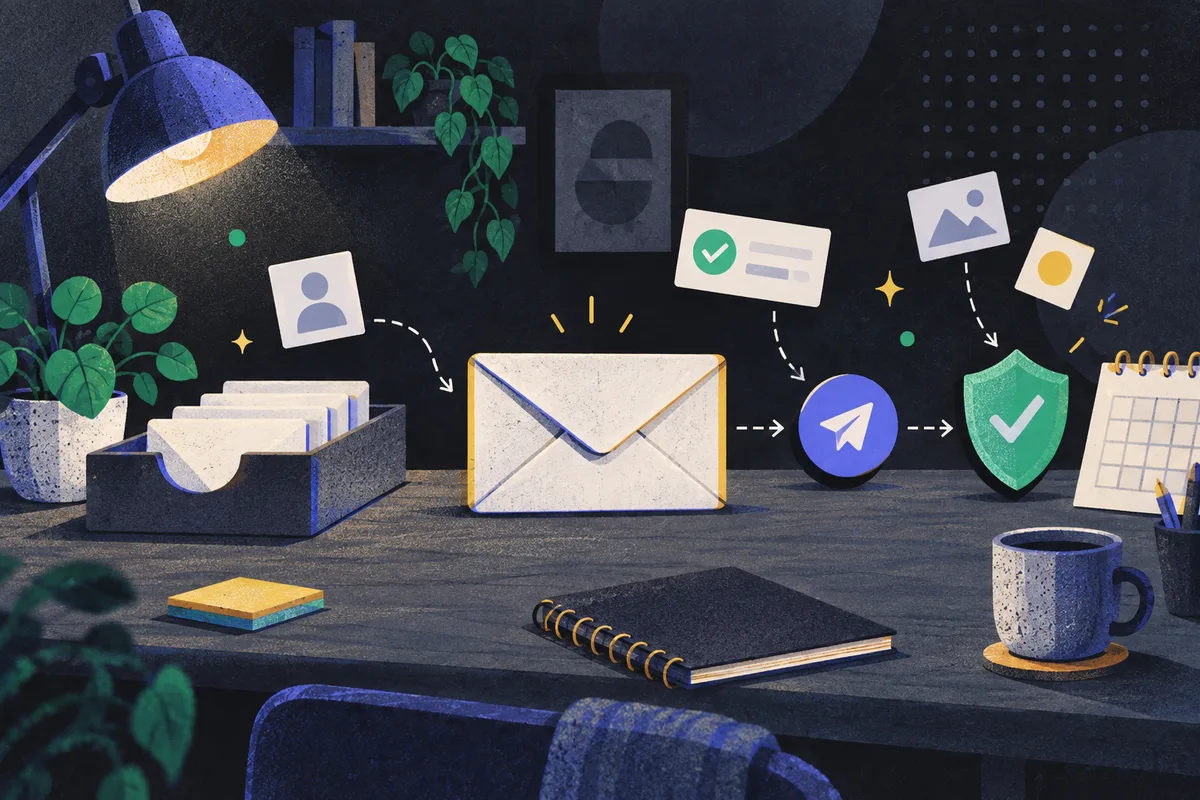
For a small business starting email marketing, the strongest first campaign is a specific invitation to people who have chosen to hear from the business. Give those people one reason to act, send them to the relevant page or reply path, and make it easy to leave the list. Start with a manageable audience and a pace the business can sustain. A large address book is less useful when its owners cannot tell why they received the message.
Before drafting, separate marketing from routine service email. A receipt confirms a purchase; an offer for another purchase promotes a product or service. In the United States, the Federal Trade Commission says the primary purpose of the message determines whether it is commercial, and its CAN-SPAM guidance applies to commercial messages beyond bulk mail, including messages to business recipients. A customer relationship does not automatically turn a promotion into a transactional message. The FTC’s CAN-SPAM guide explains that distinction.
Start with people who know what they signed up for
The first question for an existing customer file is not “How many addresses are there?” It is “Why would each person expect marketing from this business?” An address collected to send a receipt serves a different purpose from an address submitted on a form promising service tips and occasional offers. A business may have both in the same system. Sending the same campaign to everyone erases that difference at the exact moment recipients have to decide whether the message belongs in their inbox.
Build the marketing list around an explicit invitation. The sign-up form should name the type of email the person will receive, whether that is appointment openings, product news, or practical advice about a service they use. Keep a record of how each address reached the list and what was offered at that point. This lets the business make a sensible choice later if it changes the content or finds old addresses with no clear history. Asking people to opt in is a sound operating choice. It also makes it easier to start at a modest volume and watch recipient feedback, as Gmail’s sender guidelines advise.
Do not solve a thin list by buying addresses. The purchased file cannot tell the shop owner what those people were promised by the shop, and a surprising first email gives them an obvious reason to ignore it or complain. The slower path has a cost: the first campaign may reach fewer people. It also gives each recipient a recognizable reason for being there. If the business has older customer addresses with uncertain marketing history, use future interactions to offer a clear sign-up instead of treating the entire file as a ready-made audience.
An elaborate segmentation system is unnecessary for the first send. One useful distinction might be customers who asked for maintenance advice versus people who asked for appointment availability. Those requests point to different messages. Keep only categories that change the email someone receives; otherwise, the business adds work without improving the decision. For an illustrative bicycle shop, subscribers interested in service appointments might receive an opening for a brake check, while subscribers who asked for product updates would wait for product news. The shop should not send both groups the same note merely because the platform can select them together.
Give the campaign one job a customer can recognize
Choose the action before writing the email. A campaign can ask a reader to book an appointment, browse a specific set of products, answer a question, or read advice that prepares them for a later purchase. Those are different jobs. A message that offers all of them at once makes the recipient decide what the business meant and leaves the owner unable to tell which invitation mattered.
The first campaign should connect a current customer need to one next step. A service business with open appointments can point to the booking page. A shop with a relevant new product can point to that product’s page, where the price and availability are visible. If the real goal is to learn what customers need, ask them to reply with a particular question instead of disguising a survey as a sale. The link or reply route must lead to the action promised in the email; sending every reader to a general home page makes that action harder to finish.
The subject line should say what is inside, and the opening sentence should explain why the recipient is hearing it. For an illustrative bicycle service email, “Brake-check appointments are open” is more useful than a vague “Important update.” The body could briefly say what the appointment covers, who it suits, and where to book. Details such as a deadline, price, or available slot belong there only when the business can confirm them. The FTC requires nondeceptive subject lines for U.S. commercial email, so accuracy is also part of the sender’s obligation, not just a writing preference. The FTC lists the message requirements in its business guide.
A useful draft can be read as a short chain of answers: why this person received the message, what is available, what the person would gain by acting, and what to do next. The answer should fit in normal prose. A long catalogue of services can wait for the linked page. This restraint costs the business some room to describe everything it sells, but it gives the recipient a clear choice and gives the owner a cleaner result to interpret.
Make the sender and the exit easy to find
The customer sees the business name, subject line, and message before seeing any marketing strategy. Those visible details should agree with one another. Use a sender identity the recipient recognizes, an address that can receive a reply if the message invites one, and a subject that reflects the actual offer. Test the full email as a recipient would: read it on a phone, follow the main link, and use the unsubscribe route. A polished draft is of little help if its booking link opens the wrong page.
For U.S. commercial email, the FTC calls for accurate header information, clear identification of the message as an advertisement, a valid physical postal address, and a clear way to opt out. The rules apply even when a business sends to another business and even when the campaign is small. The FTC’s guide sets out these requirements. Rules can differ across jurisdictions, so a business sending across borders needs to check the rules that apply to its recipients and operations.
An unsubscribe link is also a practical test of whether the business respects the relationship it is trying to build. If someone wants no more promotions, making departure difficult only delays that decision. The business needs a way to keep opted-out addresses out of later marketing sends, including campaigns assembled from another customer system. If the platform does not reliably preserve that choice, fix the process before sending another campaign.
Receipts, reservation confirmations, and other relationship messages need separate thought. The FTC’s classification turns on the message’s primary purpose. If a receipt has a promotional subject or puts an offer ahead of the transaction detail, reassess that purpose before treating it as a routine service message. Keep the promised service information prominent, and do not use a receipt as an excuse to bury a sales campaign inside it. The FTC explains how mixed-purpose messages are assessed.
Check delivery setup before increasing volume
Good writing cannot repair a sending domain that is not ready. Gmail sets authentication and other technical expectations for senders to personal Gmail accounts, and its requirements become more demanding for higher-volume senders. The business should ask its email provider to confirm that the sending domain is configured for the current Gmail requirements, rather than assuming that connecting an address to a marketing tool completes the job. Gmail publishes the sender requirements and maintains an FAQ about updates and their application.
For higher-volume marketing senders, Gmail’s requirements include DMARC and one-click unsubscribe. That one-click capability is a sending-system feature to confirm with the provider, alongside the unsubscribe option readers can find in the message. A small business does not need to treat every technical term as a writing task, but it does need an accountable answer to whether its provider and domain meet the requirements for its volume and recipients. Gmail’s sender guidelines distinguish the higher-volume requirements. Where the business has several sending tools, each one should be included in that check.
After setup, begin with a restrained send to the intended audience. Google advises consistent volume, gradual increases, and attention to delivery and complaint signals; sudden bursts can cause delivery problems. Gmail explains its volume guidance. This does not supply a universal number of emails that is safe for every shop. A practical first move is to send to the people with the clearest reason to expect the message, then review how that campaign performed before adding older or less certain segments. Do not turn “the system accepted the upload” into a decision to mail every stored address.
Choose a pace that earns the next email
A schedule is useful only when the business has something worth sending on it. For a shop without a fresh reason to write every week, one useful email a month is a reasonable starting commitment. It gives staff time to prepare the offer, check the links, answer replies, and see what happened. The cost is slower learning and fewer opportunities to reach customers. A business with distinct, timely updates may choose a faster pace, but each send still needs a reason that would make sense to its recipients.
Keep promotional email separate from operational messages in the calendar as well as in the platform. A booking confirmation has to arrive when the booking happens; a marketing offer can wait until the audience and offer are ready. Combining them because the business is short of campaign ideas weakens both. If there is no genuine update this month, the better editorial choice is to wait, improve the sign-up invitation, or prepare the next useful message instead of manufacturing urgency.
Consistency also makes changes easier to read. If the business changes the audience, offer, subject line, and sending pace in the same campaign, a different result says little about which choice mattered. Keep the basic promise stable long enough to learn whether the people who signed up want that kind of email. Then change one meaningful part, such as the offered appointment type or the destination page, in response to what those people actually do.
Judge the first send by actions, not just opens
An email platform’s report is a starting point, not the whole customer outcome. Mailchimp describes open tracking as relying on a small image download, which may miss an open when images do not load. Its click rate is the percentage of delivered emails that registered at least one click. Mailchimp explains how it calculates open and click rates. These definitions matter: a click rate uses delivered messages as its denominator, while an open count is an imperfect observation of reading.
Consider an illustrative report with 200 delivered emails and 8 delivered messages registering a click. Under Mailchimp’s stated definition, the click rate is 8 divided by 200, or 4%. That says something about response to the link; it does not establish that eight appointments were booked. Compare the click report with the booking or sales record tied to the campaign’s actual goal. If a recipient replies by email or calls after reading, that action may not appear as a tracked click. Ask staff to note those responses too when they can be connected to the campaign without guessing.
Read the result in the order the customer experienced the message. First, did the intended emails reach recipients rather than bounce or get deferred? Next, did people use the invitation? Finally, did the linked page or reply process let them complete the action? If delivery faltered, changing the subject line is premature. If delivery held but few people clicked, revisit whether the audience wanted that offer and whether the email explained it. If people clicked but few completed the booking, inspect the destination page and the available appointments before sending the same email more often. Each step points to a different decision.
Avoid treating a high open count as permission to increase frequency. Because image-based tracking can miss opens, and because a tracked open is not a purchase, it is a weak stand-in for the business outcome. Likewise, a small click rate is not automatically a failed campaign if the email’s main purpose was to prompt a reply. Choose the measure from the action requested, keep the denominator visible, and compare campaigns sent to reasonably similar audiences. Mailchimp notes the limits of its open tracking and the definition of its click rate.
The first campaign has done its job when it leaves the business with a clearer next decision. Keep the segment and message if they brought the intended customer action at a cost the business can serve. Change the offer or destination if interest stopped there. Repair the list or sending setup if people did not expect the email or it failed to arrive. Small business email marketing becomes useful through that sequence: a known audience, a relevant reason to write, a trustworthy send, and a next email shaped by what recipients actually did.